Reading Theme:
See More: Meaning, Usage, and Examples
Meaning 1:View additional content (See More)
See More
/siː mɔːr/
phr.
To view additional content, often by clicking a link or scrolling, to get more information.
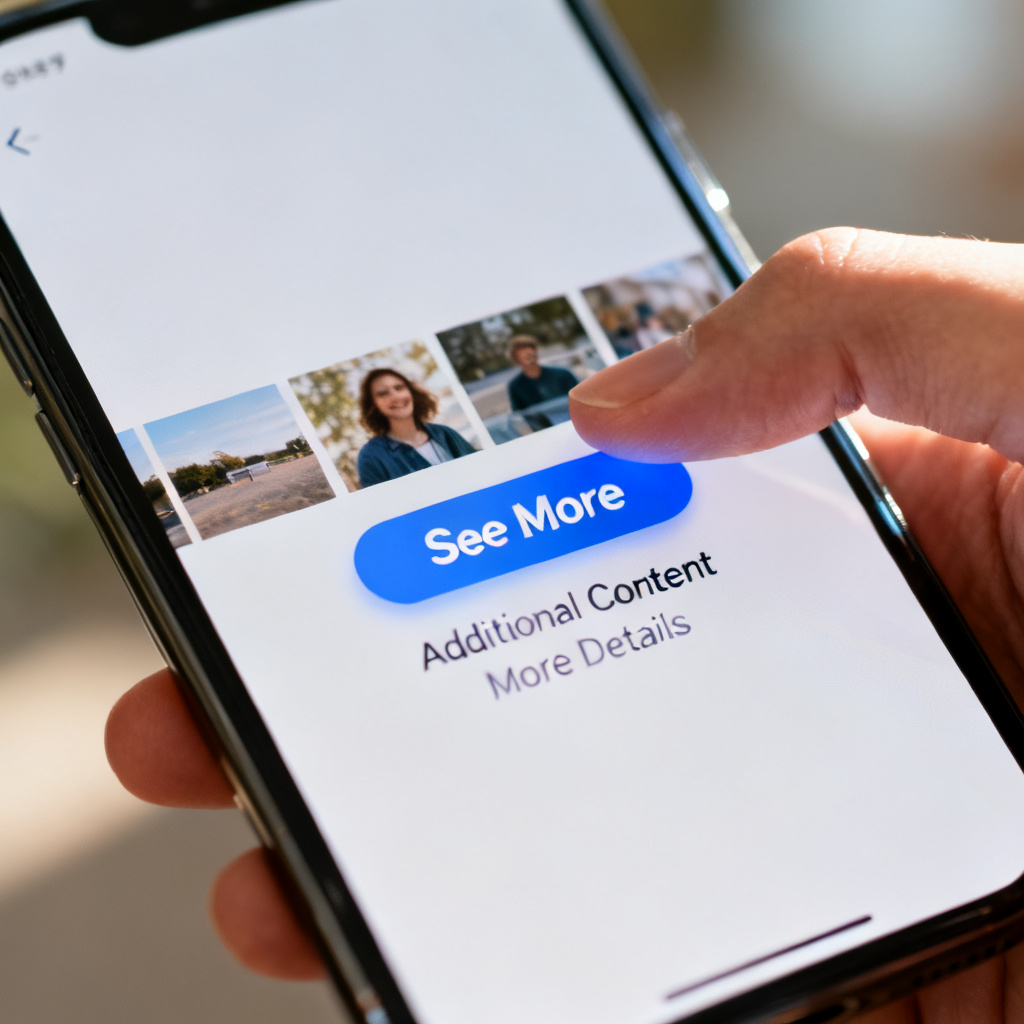
View additional content
➕
/vjuː əˈdɪʃənl ˈkɒntent/
phr.
Click a link or scroll to display more information that is initially hidden.
📘 Details & Usage
📖 Root Explanation
Combination of 'see' (visual perception) and 'more' (greater quantity).
💡 Mnemonic
Imagine a button labeled 'See More' on a page; click it to see what's hidden.
📖 Example
At the bottom of the article, click See More to read the full story.
At the bottom of the article, click the 'See More' button to read the full story.
🔗 Collocations
click See More – Press the button labeled 'See More'
See More button – A user interface element that reveals hidden content
tap See More – Touch the 'See More' option on a touchscreen
🔄 Synonyms
🚫 Antonyms
🌱 Derivatives
see-more link (n.) – A hyperlink that leads to additional content.
see-more area (n.) – A section of a webpage that can be expanded to show more text or images.
📖 Cultural Story
Commonly used on websites and apps since the early 2000s to indicate hidden content, evolving from hyperlink UI patterns.
Wordbook
Your data is saved in this browser