Reading Theme:
Turn Off Notifications: Definition and How to Use
Meaning 1:disable alerts (Turn off notifications)
Turn off notifications
/tɜːrn ɒf ˌnoʊtɪfɪˈkeɪʃənz/
phr.v.
To make your phone or computer stop showing or making sounds for new messages.
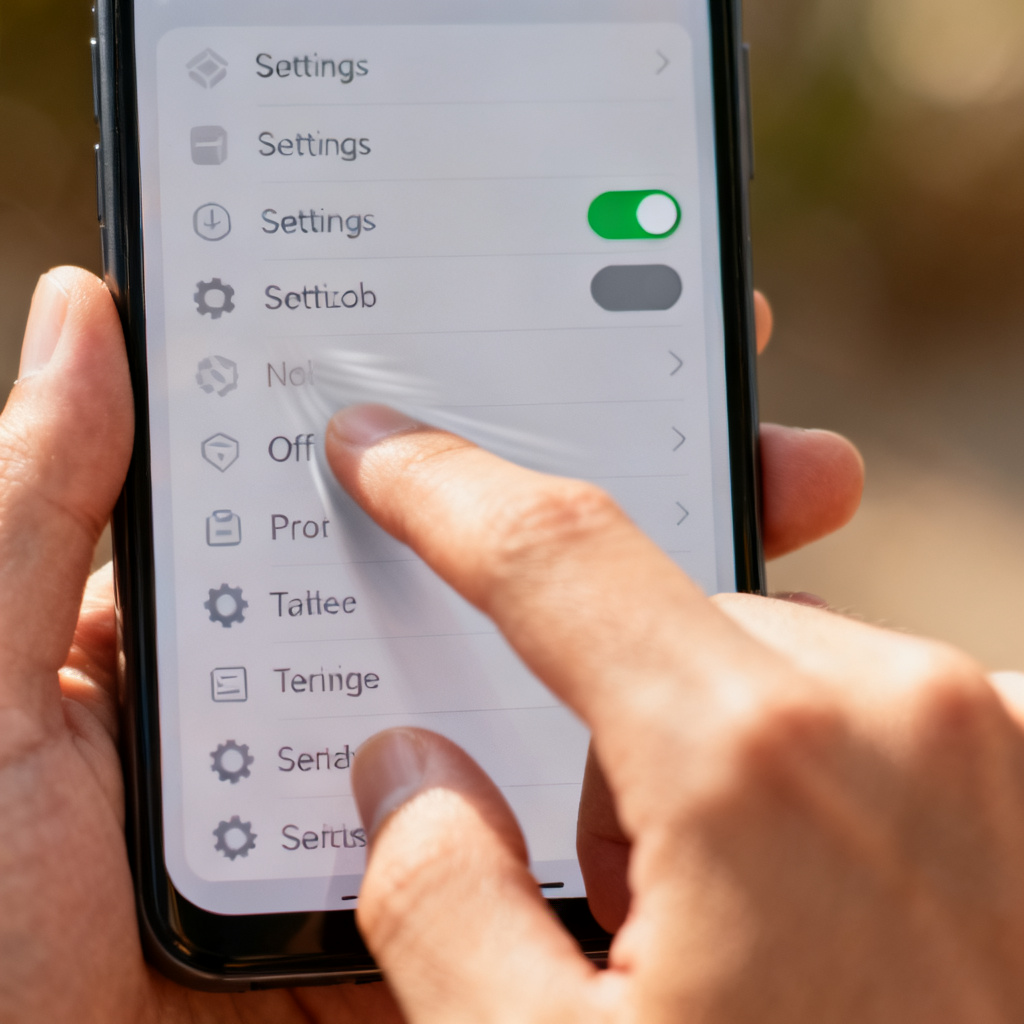
disable alerts
➕
/dɪˈseɪbəl əˈlɜːrts/
phr.v.
To disable the alerts or sounds from apps on a device so that new messages do not appear or make noise.
📘 Details & Usage
📖 Root Explanation
'Turn' (change direction) + 'off' (away) + 'notification' (Latin 'notificare' - to make known).
💡 Mnemonic
Imagine a switch labeled 'notifications'; turning it off silences all pings and pop-ups.
📖 Example
When the boss walks in, I quickly turn off notifications on my phone to avoid any ‘shush’ from him.
When the boss walks in, I quickly turn off notifications on my phone to avoid any 'shush' from him.
🔗 Collocations
turn off notifications for an app – disable alerts for a specific application
remember to turn off notifications – keep in mind to disable alerts
turn off notifications during meetings – disable alerts while in meetings
🔄 Synonyms
mute notifications (phr.v.) – To silence incoming alerts without turning them off completely.
disable alerts (phr.v.) – To deactivate notification sounds or banners.
silence notifications (phr.v.) – To make notifications silent, often temporarily.
🚫 Antonyms
turn on notifications (phr.v.) – To enable alerts and sounds.
enable notifications (phr.v.) – To activate alert features.
allow notifications (phr.v.) – To permit notifications to appear.
🌱 Derivatives
notification (n.) – an alert or message from an app
notify (v.) – to give notice to someone
📖 Cultural Story
In modern digital culture, 'turning off notifications' became a key social etiquette phrase around 2010s after smartphones became ubiquitous, used to indicate focus or respect in meetings.
Wordbook
Your data is saved in this browser